- ShopNew
- WeShipYou
Shop curated products from WeShipYou sellers, fulfilled end-to-end with our shipping guarantee.
- Amazon
Shop on Amazon, the world's largest store with the widest range of products, all with the security of WeShipYou!
- eBay
New and used items from US sellers: we buy Buy It Now listings for you.
- AliExpress
Millions of products at factory prices, bought and shipped by us.
- Walmart
Shop pharmacy and grocery products at Walmart quickly and easily!
- Shein
Shop the latest trending products at the best discounted prices, only at the Shein store!
- Temu
Shop the best products at discounted prices at the Temu store!
- Shopify
Search thousands of US Shopify stores at once, or paste a link from any of them.
- Download Mobile APP
- FulfillmentNew
Receiving, storage, same-day pick & pack, multi-carrier shipping and returns — handled by us.
- Price comparator
Compare and select the shipping service based on your interest fast and easy
- Shop integrations
Shopify app, public API and more — plug WeShipYou into your store.
- API
API Access for developers
- Invoicing
Automatic monthly invoices, branded PDFs and one-click payments.
- Docs
- Pricing
- About us
- Recharges to Mexico
- Recharges to Colombia
Pricing
Out of stock
Description
📶 Wireless Network (Wi-Fi)
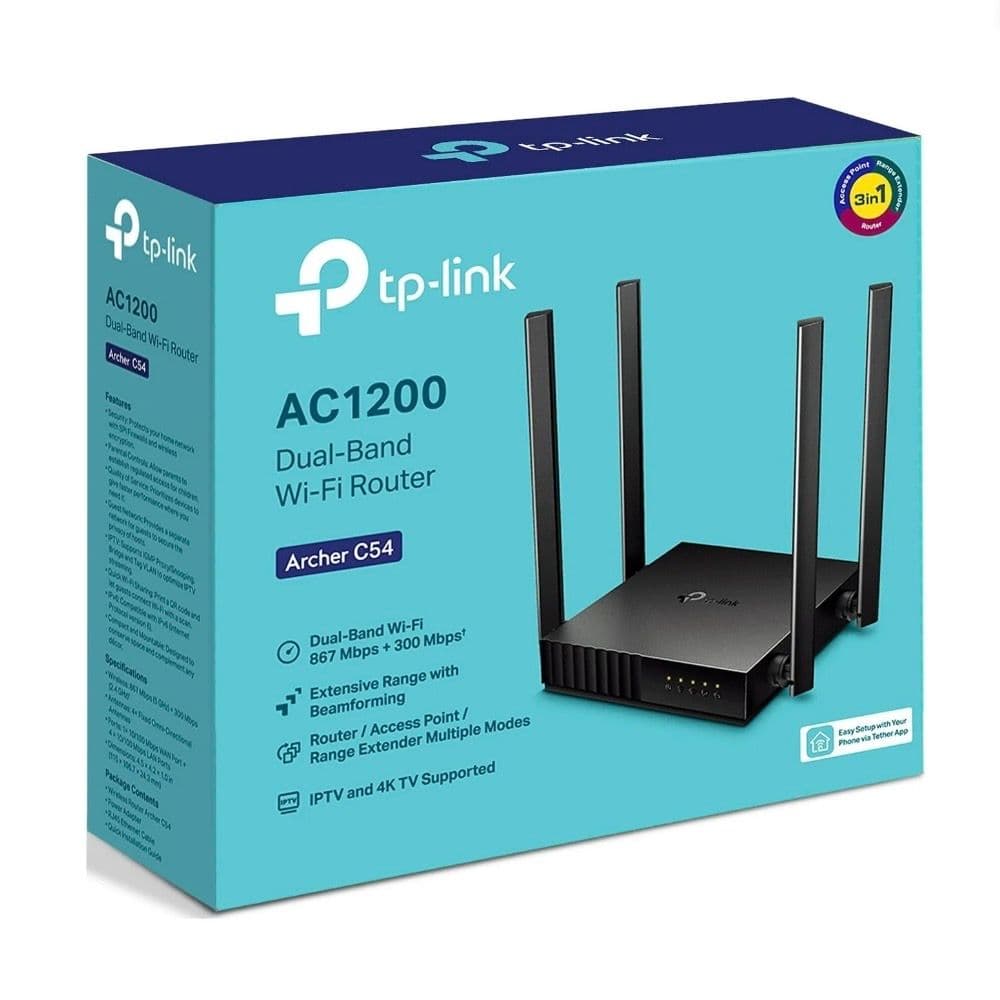
Wi-Fi Standards: Wi-Fi 5 (IEEE 802.11ac/n/a on 5 GHz and IEEE 802.11n/b/g on 2.4 GHz).
Nominal Speed (AC1200):
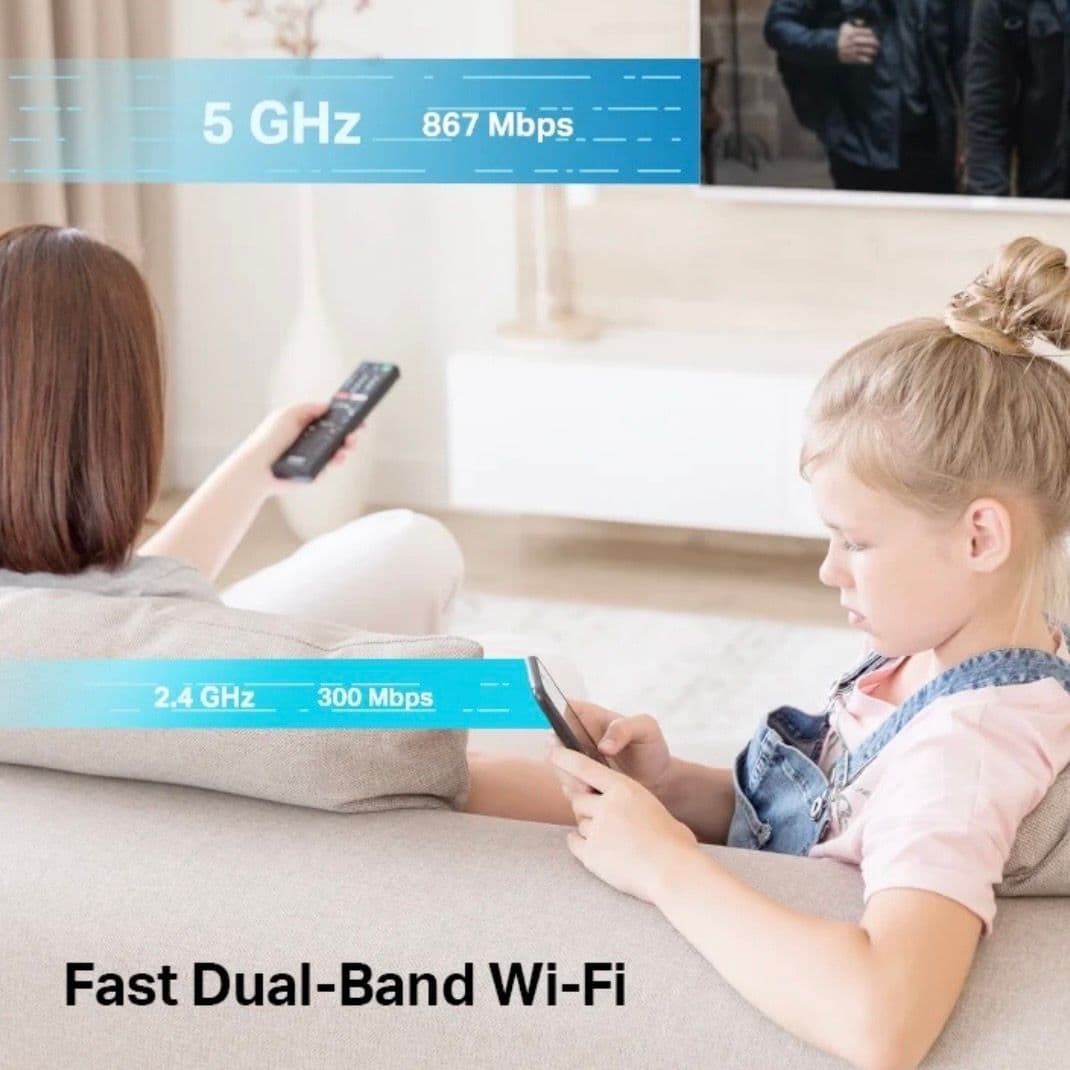
5 GHz Band: Up to 867 Mbps.
2.4 GHz Band: Up to 300 Mbps.
Antennas: 4 fixed omnidirectional external antennas designed to cover average-sized homes.
Transmission Technologies:
MU-MIMO: Allows simultaneous communication with multiple devices, reducing wait time (ideal if there are cameras, phones, and TVs connected at the same time).
Beamforming: Concentrates wireless signal strength directly towards connected devices to improve range.
🔌 Hardware and Ports
Ethernet Ports:
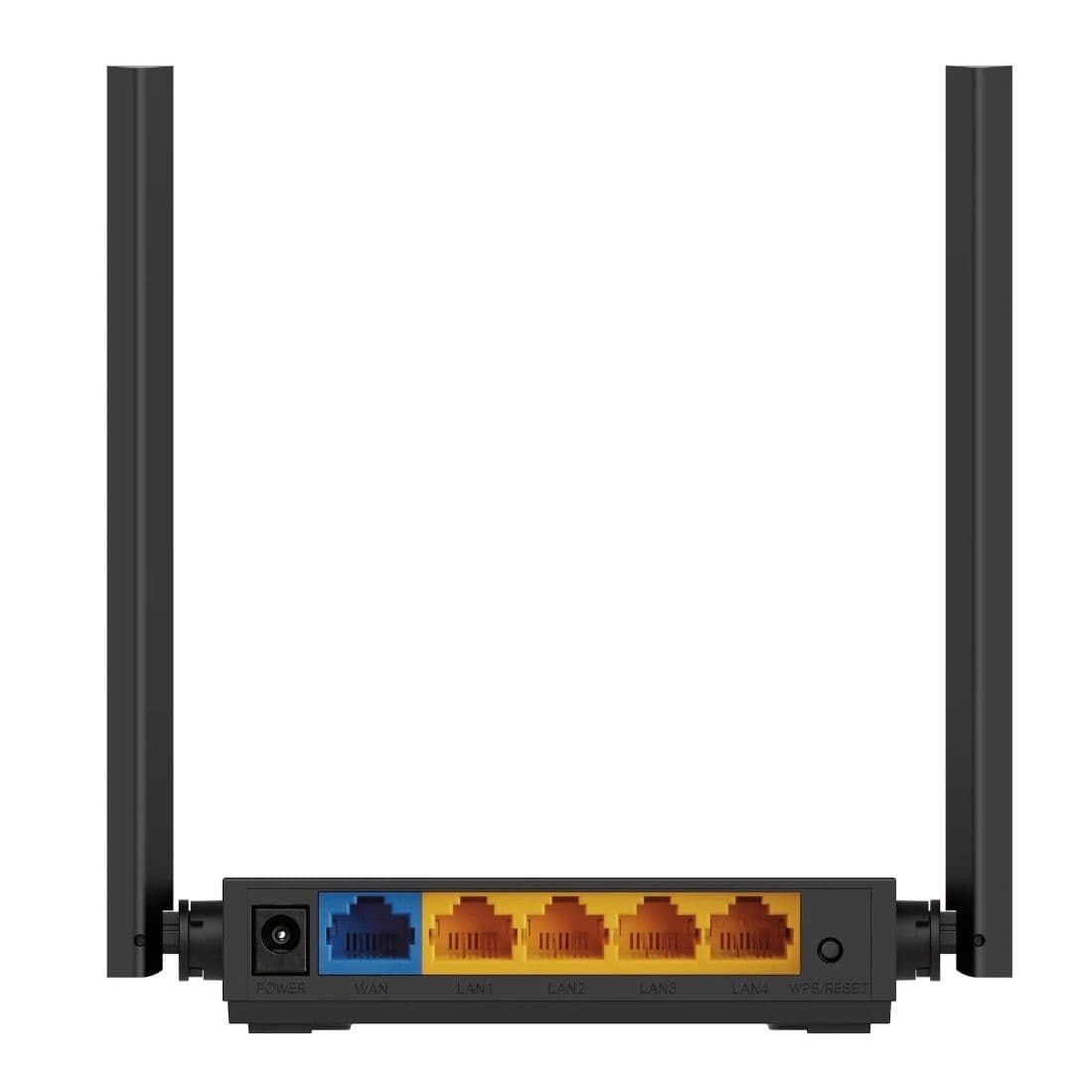
1 × 10/100 Mbps WAN Port (Internet input).
4 × 10/100 Mbps LAN Ports (For connecting wired devices).
Buttons: 1 combined physical button for WPS / Reset.
Form Factor: It is an ultra-compact design device (approximately 11.5 cm x 10.6 cm x 2.4 cm), which makes it easy to install in tight spaces.
⚙️ Operation Modes (3 in 1)
Router Mode: The default mode to connect to the provider's modem and create a private Wi-Fi network.
Access Point Mode: Transforms an existing wired network into a new wireless network (very useful if you already have a more powerful main router and just want to bring Wi-Fi to another area of the house via cable).
Range Extender Mode: Captures the Wi-Fi signal from an existing router and repeats it to expand coverage.
🛡️ Security and Software
Network Encryption: Supports WEP, WPA, WPA2, and the more modern WPA3 standard (for greater protection against brute-force attacks).
Guest Network: Ability to create independent Wi-Fi networks for visitors, on both 2.4 GHz and 5 GHz, keeping the main network isolated.
Parental Controls: Allows blocking content (via URLs) and setting connection time limits for specific devices.
QoS (Quality of Service): Allows prioritizing bandwidth for specific devices that require greater stability.
IPTV and IPv6 Support: Features IGMP Proxy/Snooping, Bridge, and Tag VLAN to optimize internet television streaming, and is ready for the IPv6 internet protocol.
📱 Management and Configuration
It can be managed locally through its web interface (as happens with devices using LuCI or other firmwares) or from your phone using the TP-Link Tether mobile app.